Convert HEIC to PNG on Windows for Lossless Editing
When you need lossless quality for Photoshop, GIMP, or design work, convert iPhone HEIC photos to PNG locally — batch, offline, and without uploads.
TL;DR
Choose PNG when the photo is headed into an editor — not a camera roll share. PNG is lossless and supports transparency, so you keep every pixel for Photoshop, GIMP, Affinity, or design comps. HEIC Converter converts whole folders locally. Free trial: 10 files. Standard: $29.95 one-time.
PNG is for editing. JPG is for sharing.
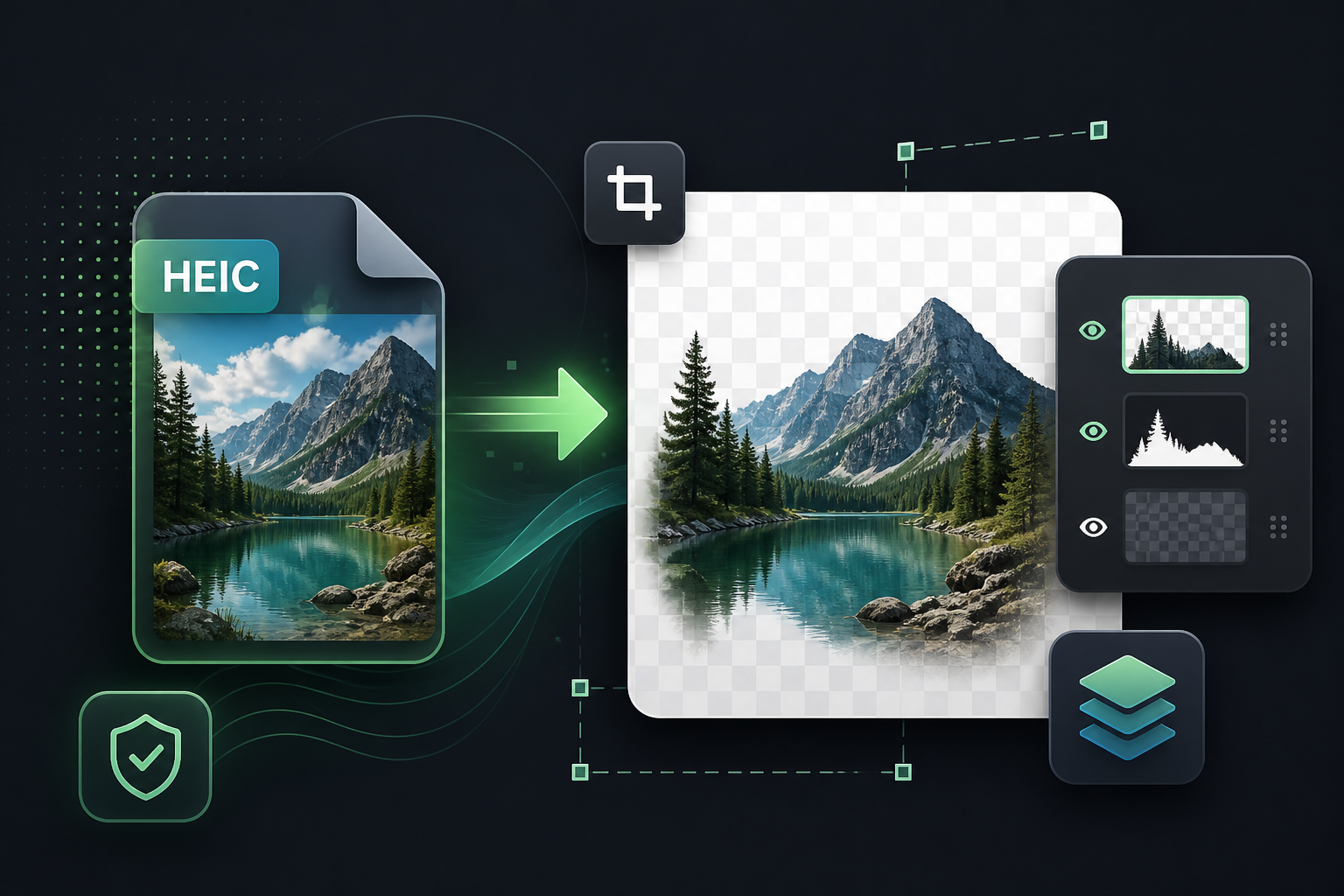
JPG re-encodes every time you save. That is fine for sending vacation photos. It is a poor fit when you will crop, retouch, composite, or annotate the same image several times. PNG keeps a lossless pixel buffer — no progressive quality loss — and it can carry an alpha channel when you need cutouts or overlays.
HEIC from an iPhone is already a high-efficiency capture. If your next step is editing, convert once to PNG and work from that master. If your next step is email or social, convert to JPG or WebP instead and keep file sizes small.
When HEIC → PNG is the right call
- Screenshots and UI captures that must stay sharp around text and edges
- Photos you will edit, color-correct, or print through a design workflow
- Graphics work that benefits from transparency
- Archive masters where you refuse further compression loss
Expect PNG files to be larger than the original HEIC. HEIC compresses aggressively; lossless PNG does not. If size matters more than perfect fidelity, use WebP or JPG.
Convert a folder of HEIC files to PNG on Windows
- Install HEIC Converter. The free trial converts up to 10 files with every feature enabled — no watermarks.
- Drag in .heic / .heif files or an entire folder tree.
- Choose PNG as the output format. You can also add JPG or WebP in the same run if you need dual outputs.
- Convert. Processing stays on your PC — nothing is uploaded. Open the PNGs in your editor of choice.
Privacy stays local
Online HEIC-to-PNG tools require uploading originals. HEIC Converter never does. Conversion is offline, which matters when the photos are personal, client work, or anything you would not paste into a random website.
Prefer the short landing page? HEIC to PNG converter
Ready for lossless HEIC → PNG?
Free trial · 10 files · Standard $29.95 one-time