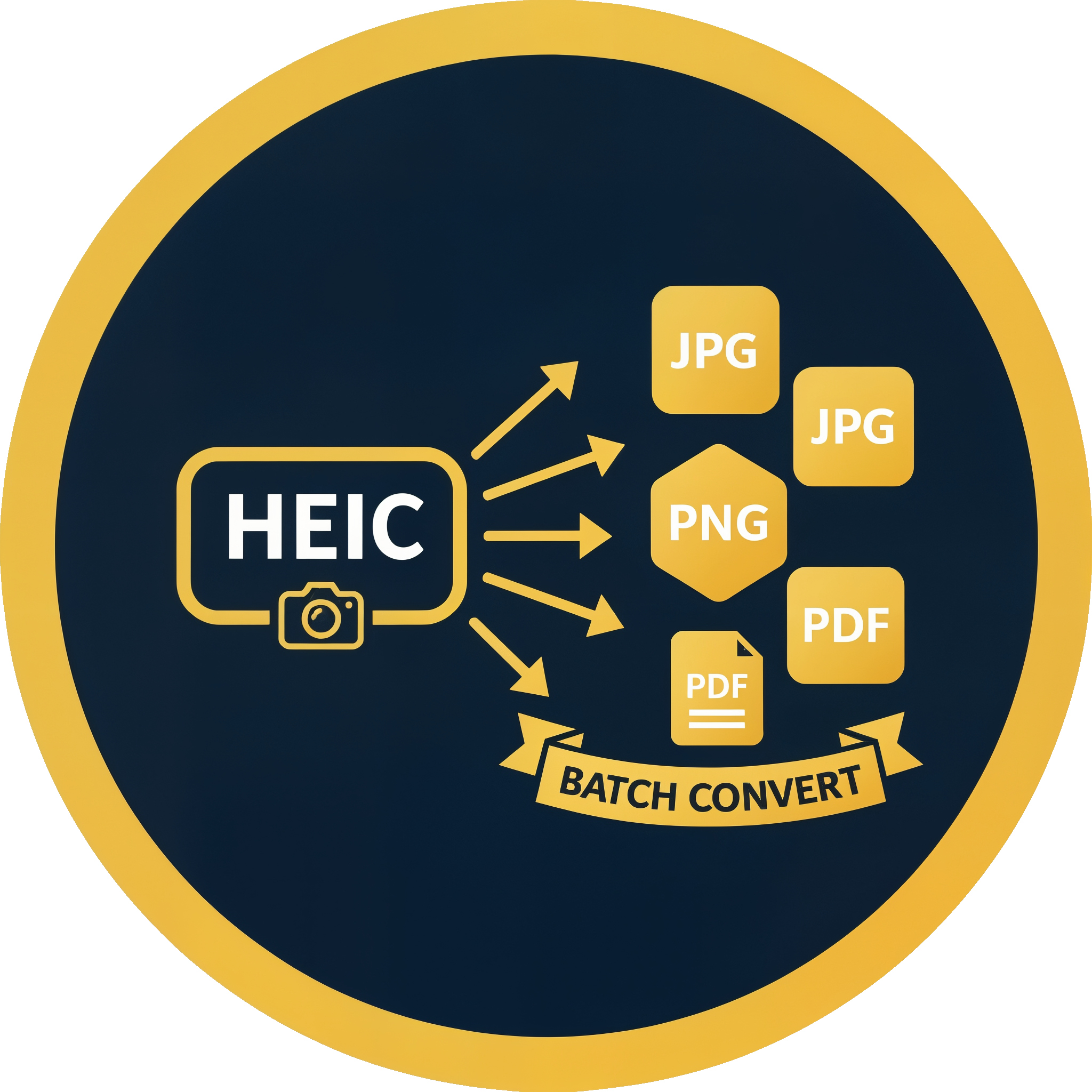
Convert HEIC & HEIFto JPG, PNG, WebP, or PDFPrivately on Your PC
Keep EXIF when you want it — you choose JPG quality.
The fast, private way to convert iPhone photos to universally compatible formats. Process hundreds of HEIC and HEIF files in seconds.
Free trial · 10 files · Standard from $29.95, one-time
See pricing — Standard from $29.95Free Windows trial on PC · 10 files



FREE TRIAL
Full app features · up to 10 files
Windows 10 or 11
Same free trial as the full app — convert up to 10 HEIC/HEIF files locally on your PC.
Windows Installer
Offline MSI · no account required
Fast, Private, and Simple
100% Local Processing
Your photos never leave your computer. Everything is processed locally.
Quality you control
Choose output quality and keep EXIF when you want it.
Bulk Conversion
Drag and drop entire folders. HEIC Converter recursively scans all subfolders and converts everything.
Multiple Formats
Export to JPG, PNG, WebP for modern web use, or PDF for document sharing.
Multi-Format in One Pass
Need JPG and PNG? Select multiple output formats and convert everything in a single run—no need to repeat the process.
Popular HEIC conversions
Jump straight to a step-by-step guide for the format you need.
You converted the photos. Now search them.
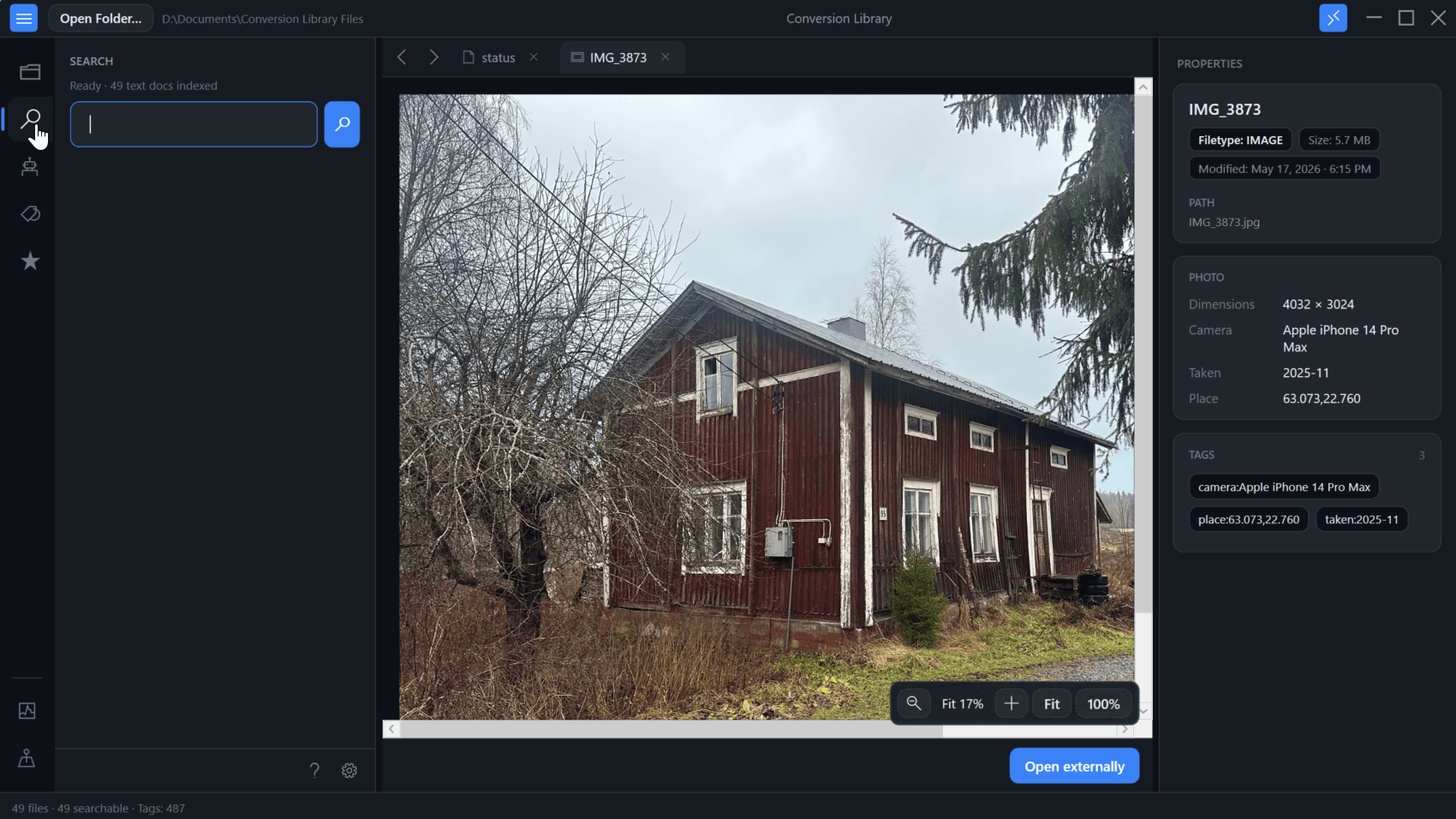
Standard converts HEIC and HEIF to JPG, PNG, WebP, or PDF locally on this PC. Plus unlocks Conversion Library — a private library of the files you converted. Search, Photo Map, EXIF, and previews. Same installer. Unlock with a Plus key. Nothing is uploaded.
- Full-text search across converted photos on this PC
- Photo Map for geotagged images, plus EXIF metadata
- Built-in previews — JPG, PNG, WebP, PDF, and HEIC
Plus add-on $29.95 if you already have Standard. Standard + Plus from the start is $59.90.
Simple, Transparent Pricing
One-time purchase. No subscriptions. No hidden fees.
Start with the full-feature trial — test up to 10 HEIC files locally, then choose personal or commercial.
Free Windows trial on PC · 10 files
Step 1
Who is this for?
Step 2
Choose Standard or Standard + Plus
Products are Standard and Plus — licensed for personal use.
Standard
one-time · personal use
- Unlimited HEIC & HEIF conversions
- JPG, PNG, WebP, and PDF
- Lifetime access to version 6.x
- Keep EXIF / quality control / 100% local
- Bulk folder processing
- 1 year of free updates
- 30-day money-back guarantee
Want search and photo previews? Conversion Library Plus is an add-on ($29.95).
Standard + Plus
one-time · personal · two licenses
- Standard (HEIC/HEIF → JPG/PNG/WebP/PDF)$29.95
- Plus (Conversion Library)$29.95
- Photo Map for geotagged images
- EXIF search & metadata
- Built-in photo previews (JPG, PNG, WebP, PDF, HEIC)
- Same installer — unlock with a Plus key
Already have Standard? Add Plus ($29.95)
Looking for Explorer thumbnails only? HEIC Explorer Preview is a separate product ($4.99 — thumbnails & preview pane, no conversion).
Same team · beyond HEIC
Photo folders are rarely just HEIC.
Legacy File Converter converts WordPerfect, Lotus, documents, and 100+ legacy formats — fully offline. From $79.95.
Our Windows apps
Two products from the same team — full conversion, or Explorer thumbnails only.
HEIC Converter
Standard from $29.95
Convert HEIC/HEIF to JPG, PNG, WebP, or PDF. Bulk folders, free trial, Standard or Plus. Licensed personal or commercial.
View pricingSeparate product
HEIC Explorer Preview
$4.99
Explorer thumbnails and preview pane only — no converter. One-time purchase, 100% local.
View detailsFrom the Blog
Tips, guides, and insights about HEIC conversion and photo privacy
Conversion Library Plus: Search, Map, and Preview the Photos You Converted
You converted the HEIC files. Conversion Library Plus is your private library of those JPG, PNG, WebP, and PDF outputs — search, preview, and map them on this PC. Nothing is uploaded.
Beyond HEICBeyond HEIC: Convert (Almost) Any File Type on Windows
Your folders are rarely just iPhone photos. See the formats Windows will not even preview — HEIC, AVIF, JPEG 2000, PSD, TGA — and how Legacy File Converter previews and converts almost any file type offline.
How-ToWhat Is a .HEIC File and How Do You Open One in 2026?
HEIC and HEIF are Apple's efficient photo formats. Learn what the extensions mean, how they behave on Windows and the web, and how to open or convert them privately in 2026.
PrivacyStop Uploading Your Memories: The Hidden Risks of Online HEIC Converters
Why free web converters put your photos—and your privacy—at risk, and how to convert HEIC locally instead.
WindowsThe Apple HEIC Trap: Why Your iPhone Photos Don't Play Nice with Windows
How Apple's default format left Windows users stuck—and how to convert thousands of HEIC files locally.
How-ToThe Fastest Way to Convert HEIC to JPG on Windows
Learn how to convert hundreds of HEIC files in seconds using drag-and-drop or the command line.
How-ToConvert HEIC to PNG on Windows for Lossless Editing
When you need lossless quality for Photoshop, GIMP, or design work, convert iPhone HEIC photos to PNG locally — batch, offline, and without uploads.
How-ToConvert HEIC to PDF for Sharing, Printing, and Archives
Turn iPhone HEIC photos of receipts, forms, and records into PDFs you can email, print, and archive — converted in bulk on your Windows PC.
How-ToConvert HEIC to WebP for Faster, Web-Ready Images
Publish iPhone photos on the web without the HEIC problem. Convert HEIC to WebP locally for smaller files and modern browser support.
FAQ
What is HEIC and HEIF?
HEIC is Apple's default photo format for iPhones. HEIF (High Efficiency Image Format) is the open standard it's based on—both use the same .heic and .heif file extensions. HEIC Converter supports both formats.
Does my data ever leave my computer?
Never. HEIC Converter works 100% offline. Your photos are processed locally.
Is there a free trial?
Yes! The free trial lets you convert up to 10 files to test the software.
Are my photos used for AI training?
No. HEIC Converter runs entirely on your PC. Your photos never leave your computer, so they are never uploaded, stored, or used to train AI—unlike many "free" online converters whose terms of service allow using uploads to train models.
What is Conversion Library Plus?
Standard converts HEIC and HEIF locally on your PC. Plus unlocks Conversion Library — search, Photo Map, EXIF, and previews of the files you converted. Same installer; unlock with a Plus key ($29.95 add-on, or $59.90 for Standard + Plus). Nothing is uploaded. Learn more about Conversion Library.
Getting an error opening HEIC files on Windows?
If you see "format is unsupported," "We can't open this file," or "Unsupported file format," Windows doesn't have full HEIC support. Convert to JPG instead. Convert to JPG instead: Photos can't open this file, We can't open this file, Unsupported file format.