Conversion Library Plus: Search, Map, and Preview the Photos You Converted
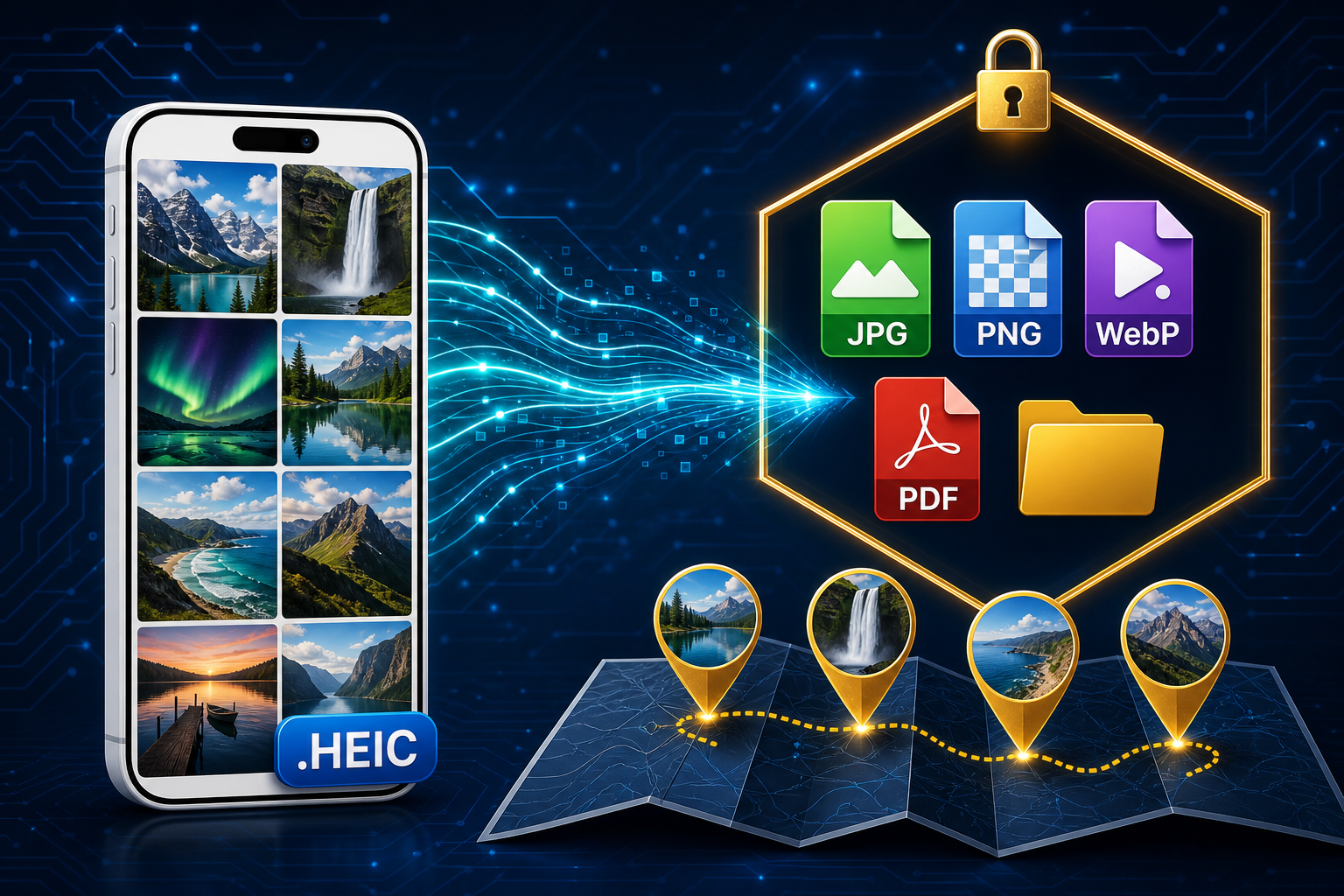
You converted the HEIC files. Conversion Library Plus is your private library of those JPG, PNG, WebP, and PDF outputs — search, preview, and map them on this PC. Nothing is uploaded.
TL;DR
You converted the files. Now make them usable. Conversion Library Plus is your private library of the files you converted — search, preview, bookmark, and organize them on this PC. Nothing is uploaded. HEIC Converter Standard ($29.95 one-time) converts HEIC and HEIF to JPG, PNG, WebP, or PDF. Plus ($29.95 one-time) unlocks the library in the same MSI with a Plus key. The library includes a Photo Map, EXIF place/date/camera text, and in-library previews for HEIC, HEIF, TIFF, and related stills.
The camera roll is converted. It is still a pile.
Batch conversion solves the format problem: iPhone HEIC and HEIF become JPG, PNG, WebP, or PDF that Windows apps, print labs, and shared drives can open. What it does not solve is the folder full of IMG_4821-style names. The trip is still in the EXIF — place, date taken, camera — but Explorer does not make that easy to search or see at a glance.
After a long conversion you have usable files. You still have a pile.
A private library of the photos you converted
You converted the files. Now make them usable. Conversion Library turns your output folder into something you can search and navigate — without leaving this PC. Conversion Library Plus is your private library of the files you converted — search, preview, bookmark, and organize them on this PC. Nothing is uploaded.
Saved libraries let you rename, pin, and remove libraries so the folders you care about stay easy to open again. Learn more on the Conversion Library page.
Search with EXIF, quoted phrases, and Refine
Search uses EXIF text for place, date taken, and camera — so "Reykjavik," a trip month, or the phone model can find photos that filenames never describe. Quoted phrases match exact wording. Refine narrows a result set without starting over. Saved searches keep useful queries one click away, and history helps you pick up where you left off.
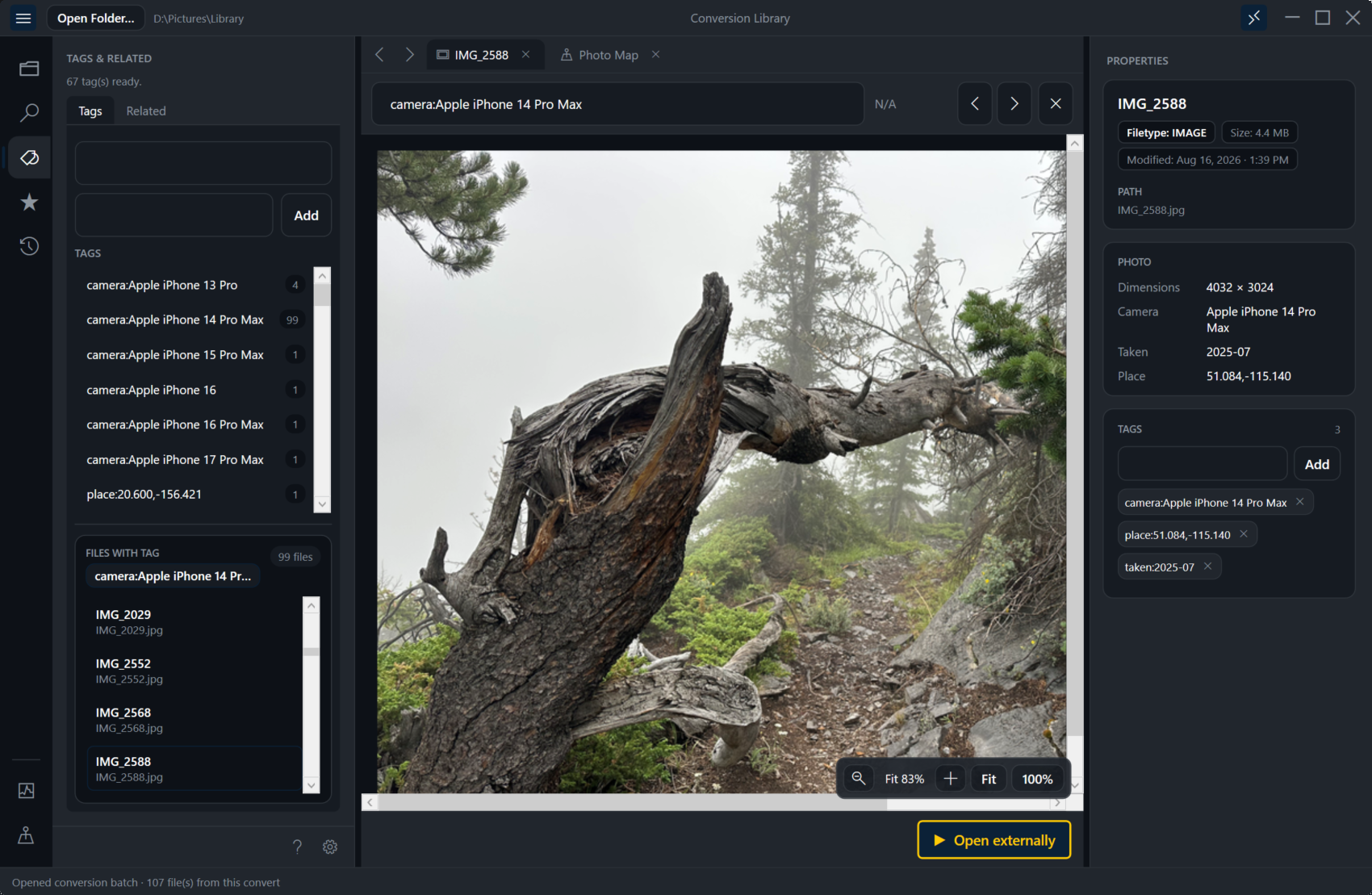
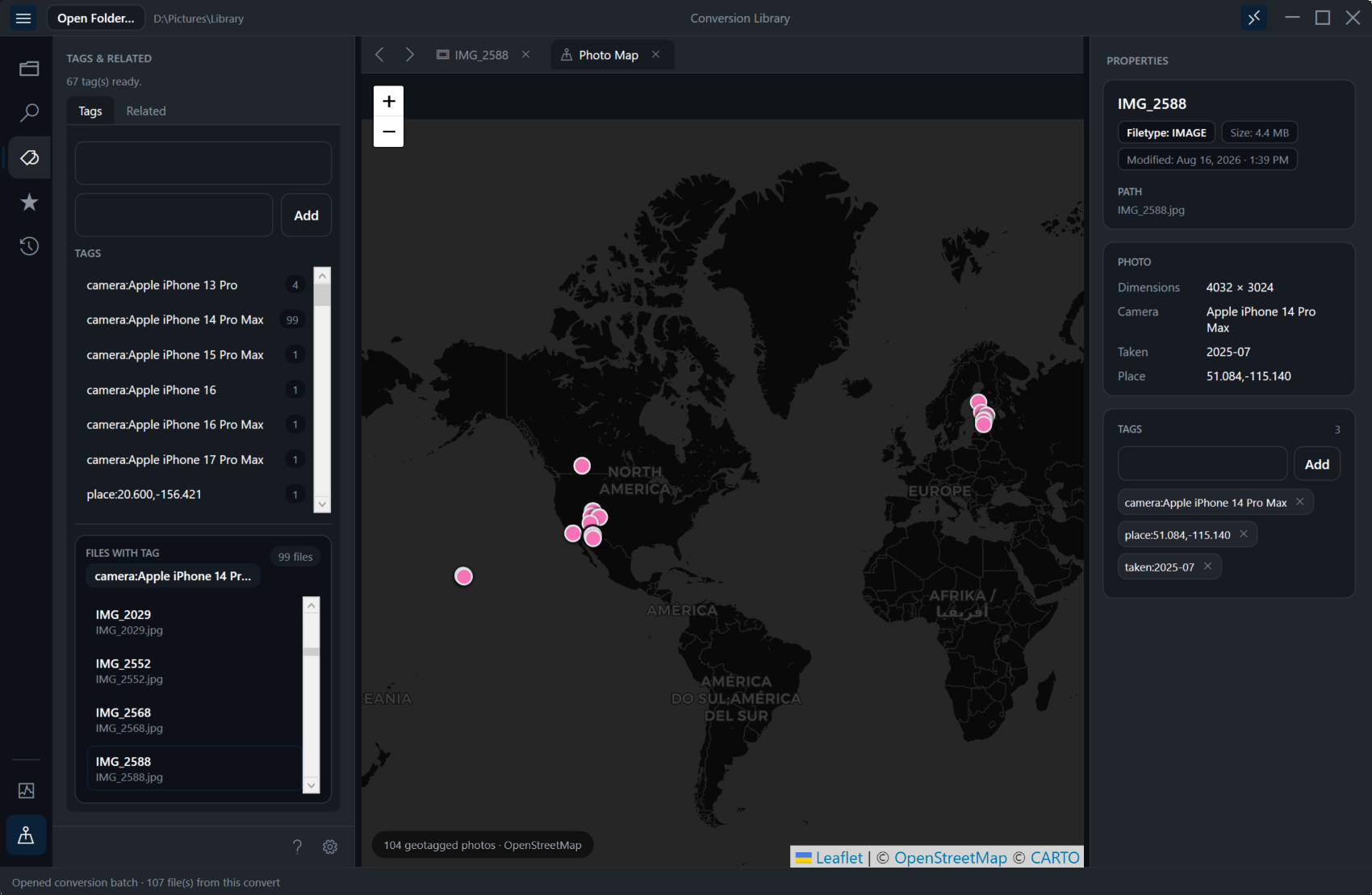
Photo Map and preview
The Photo Map places geotagged photos as pins. Click a pin to select that photo in the library. In-library image preview shows HEIC, HEIF, TIFF, and related stills without bouncing out to another viewer — so you can confirm what you converted before you share or archive it.
Preview tabs, bookmarks, tags, and the relationship graph
Preview tabs keep several files ready to review. Bookmarks mark keepers. Tags and the relationship graph are local navigation only — ways to group and move between related files on this PC, not a service that syncs elsewhere.
Review pack: index.csv and summary.md
When you need a portable snapshot of what is in the library, export a review pack with index.csv and summary.md. Handy for handoffs, archives, and checking a conversion batch without opening every file by hand.
From Conversion Complete into the library
After a batch finishes, Open in Conversion Library takes you straight from Conversion Complete into the library. You can also choose to always open the library after convert. Next time you return, Welcome back / resume helps you pick up the last library and work in progress.
Standard converts. Plus unlocks the library.
Standard ($29.95 one-time) converts HEIC and HEIF to JPG, PNG, WebP, or PDF. Plus ($29.95 one-time) unlocks Conversion Library. Same MSI — unlock with a Plus key. See pricing and details on /conversion-library.
Related reading
Ready to convert — then search what you converted?
Start with the free trial, convert folders locally, then unlock Conversion Library with Plus when you want search, Photo Map, and previews on this PC.