HEIC Conversion Blog

Tips, guides, and insights about HEIC conversion and photo privacy — all focused on local Windows conversion with no uploads.

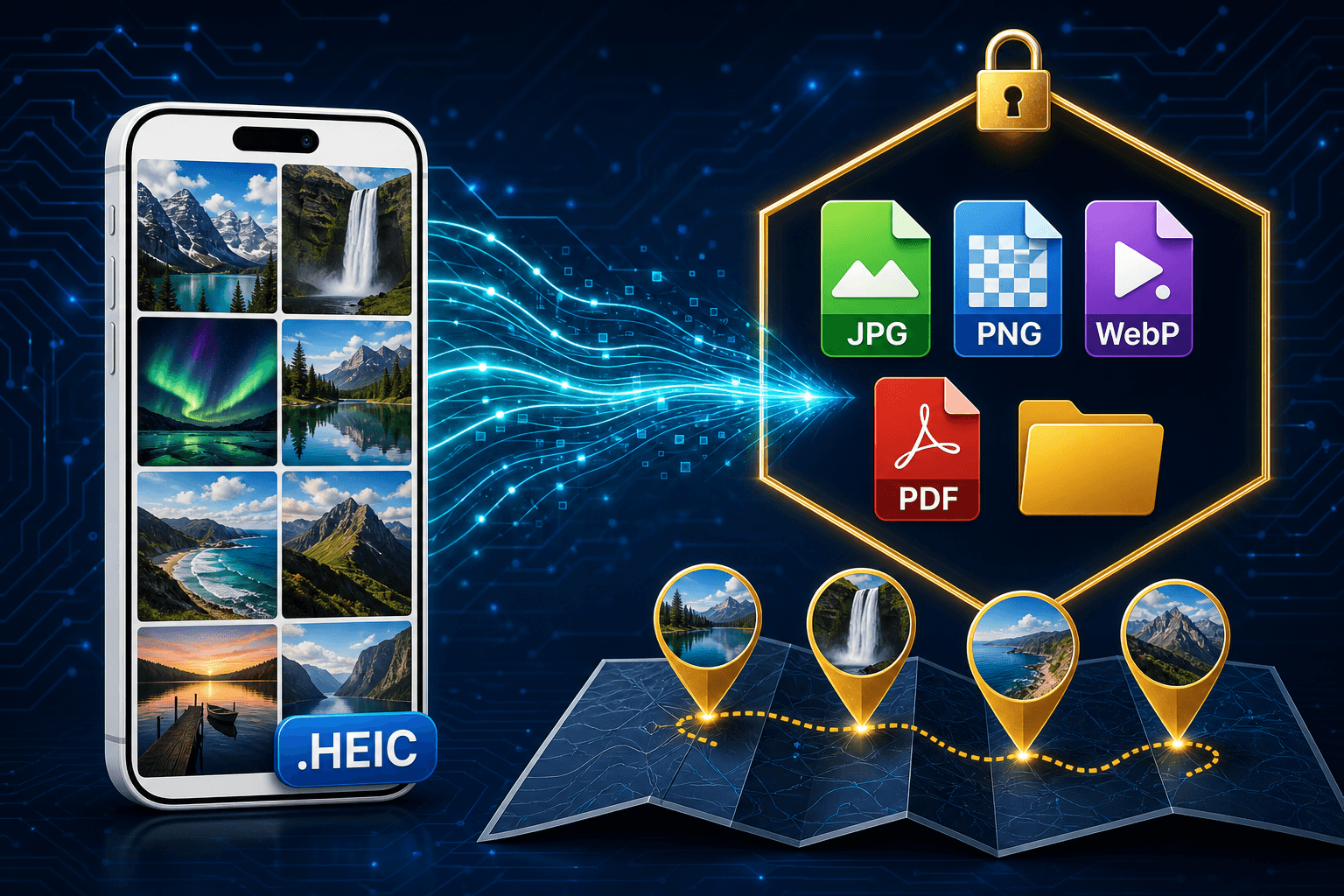
iPhone HEIC photos converting into a private local library of JPG, PNG, WebP, and PDF files with a photo map of geotagged pictures
ProductAugust 16, 2026

Conversion Library Plus: Search, Map, and Preview the Photos You Converted

You converted the HEIC files. Conversion Library Plus is your private library of those JPG, PNG, WebP, and PDF outputs — search, preview, and map them on this PC. Nothing is uploaded.

Read full article
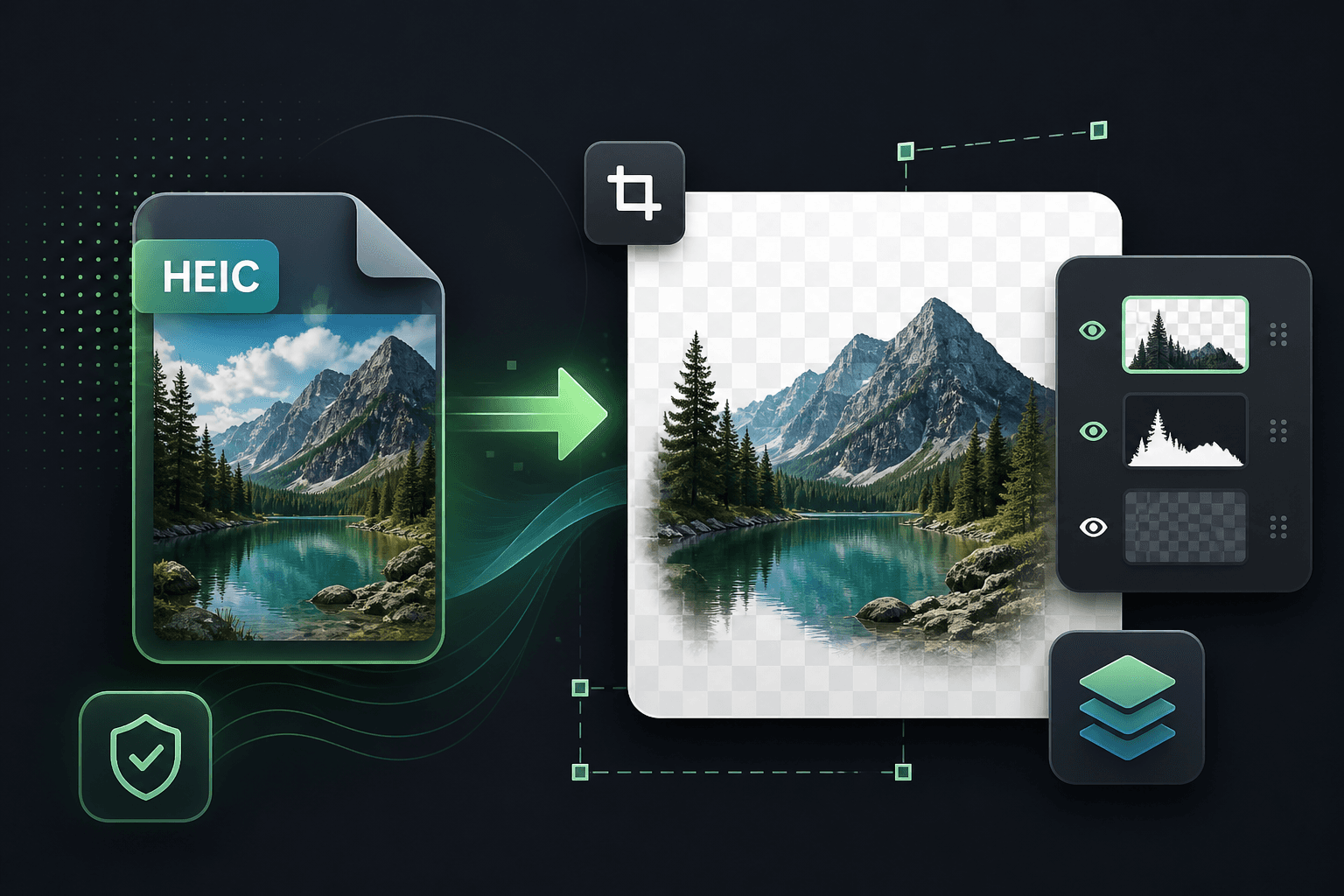
HEIC photo converting into a lossless PNG with transparency for editing
How-ToAugust 18, 2026

Convert HEIC to PNG on Windows for Lossless Editing

When you need lossless quality for Photoshop, GIMP, or design work, convert iPhone HEIC photos to PNG locally — batch, offline, and without uploads.

Read full article
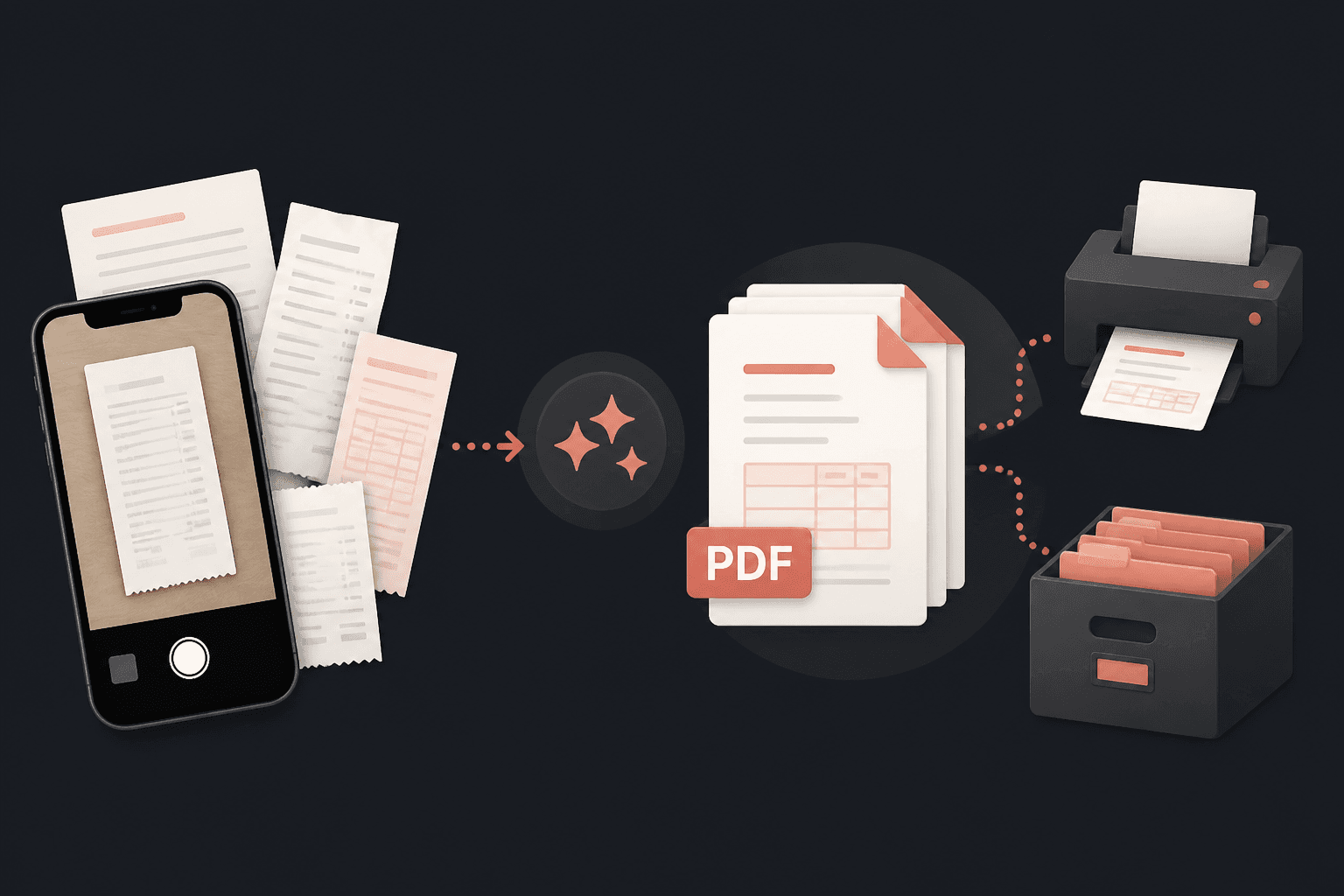
HEIC receipt and document photos converting into printable PDF files
How-ToAugust 18, 2026

Convert HEIC to PDF for Sharing, Printing, and Archives

Turn iPhone HEIC photos of receipts, forms, and records into PDFs you can email, print, and archive — converted in bulk on your Windows PC.

Read full article
HEIC photos compressing into web-ready WebP tiles on a browser page
How-ToAugust 18, 2026

Convert HEIC to WebP for Faster, Web-Ready Images

Publish iPhone photos on the web without the HEIC problem. Convert HEIC to WebP locally for smaller files and modern browser support.

Read full article
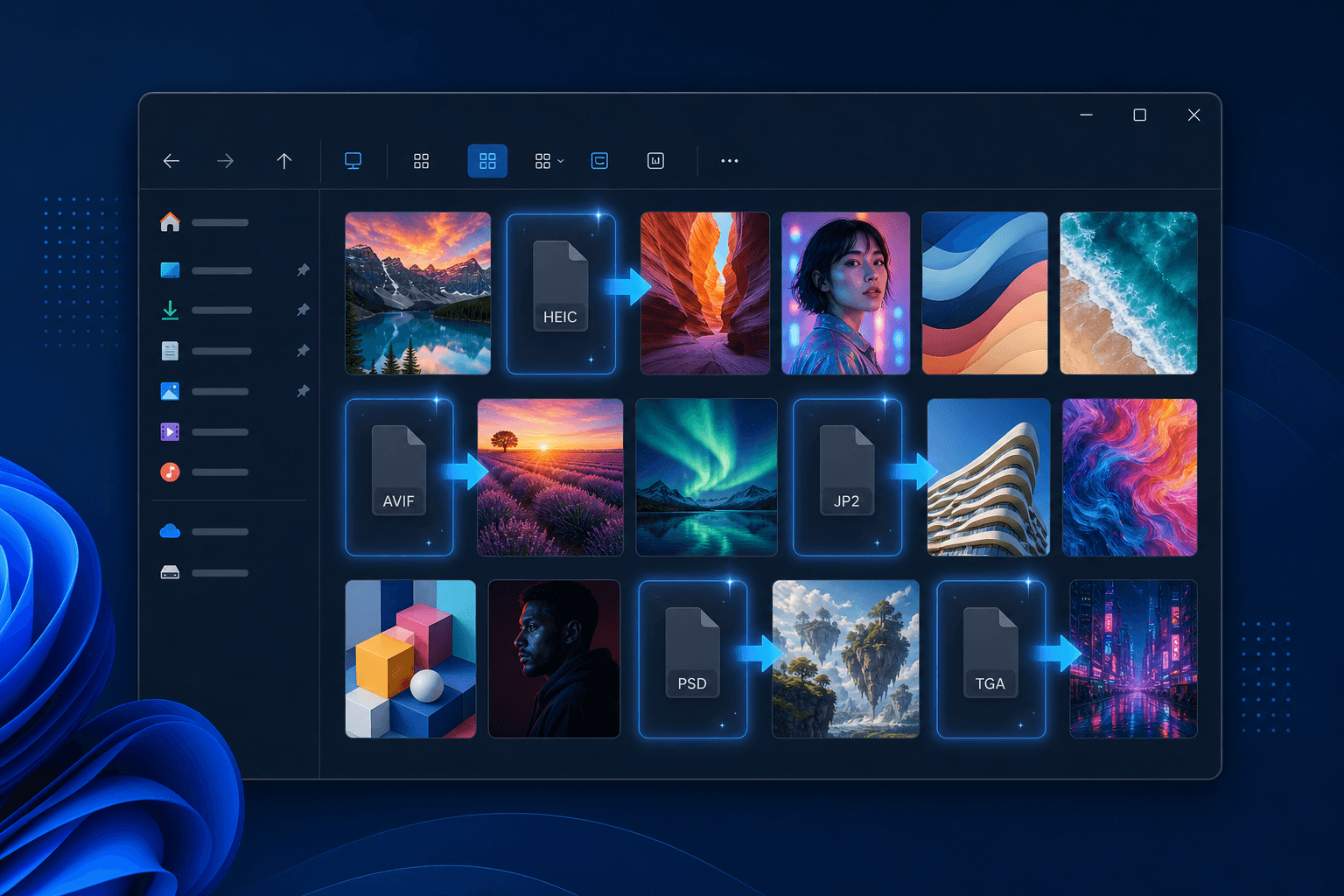
Windows Explorer showing thumbnails for HEIC, PSD, and JPEG 2000 files that normally appear as blank icons
Beyond HEICJune 11, 2026

Beyond HEIC: Convert (Almost) Any File Type on Windows

Your folders are rarely just iPhone photos. See the formats Windows will not even preview — HEIC, AVIF, JPEG 2000, PSD, TGA — and how Legacy File Converter previews and converts almost any file type offline.

Read full article
A .HEIC file icon opening into a clear photo on Windows
How-ToMay 14, 2026

What Is a .HEIC File and How Do You Open One in 2026?

HEIC and HEIF are Apple's efficient photo formats. Learn what the extensions mean, how they behave on Windows and the web, and how to open or convert them privately in 2026.

Read full article
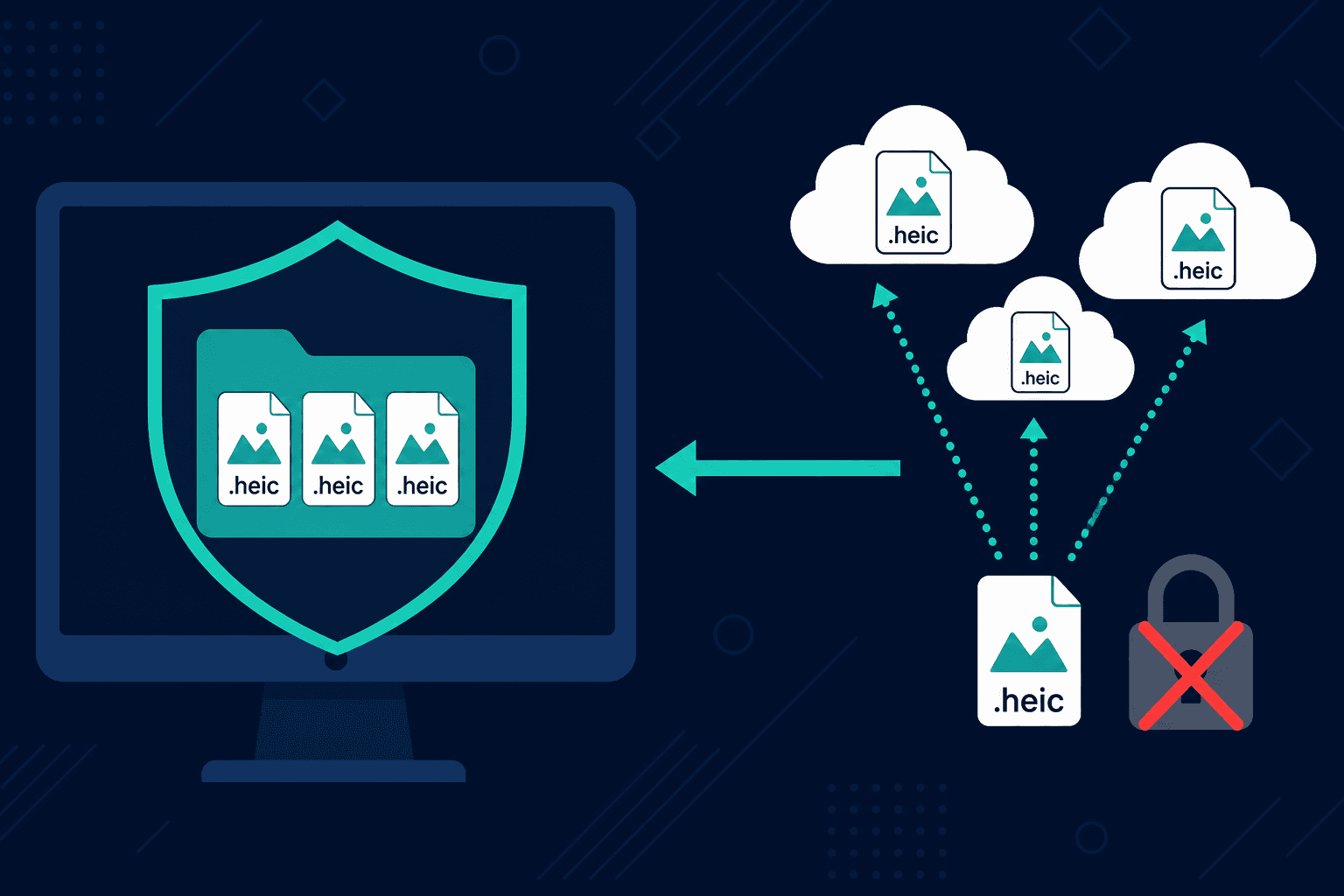
iPhone photos protected behind a privacy shield instead of uploading to the cloud
PrivacyApril 22, 2026

Stop Uploading Your Memories: The Hidden Risks of Online HEIC Converters

Why free web converters put your photos—and your privacy—at risk, and how to convert HEIC locally instead.

Read full article
iPhone HEIC photos failing to open on a Windows laptop until converted
WindowsMarch 18, 2026

The Apple HEIC Trap: Why Your iPhone Photos Don't Play Nice with Windows

How Apple's default format left Windows users stuck—and how to convert thousands of HEIC files locally.

Read full article
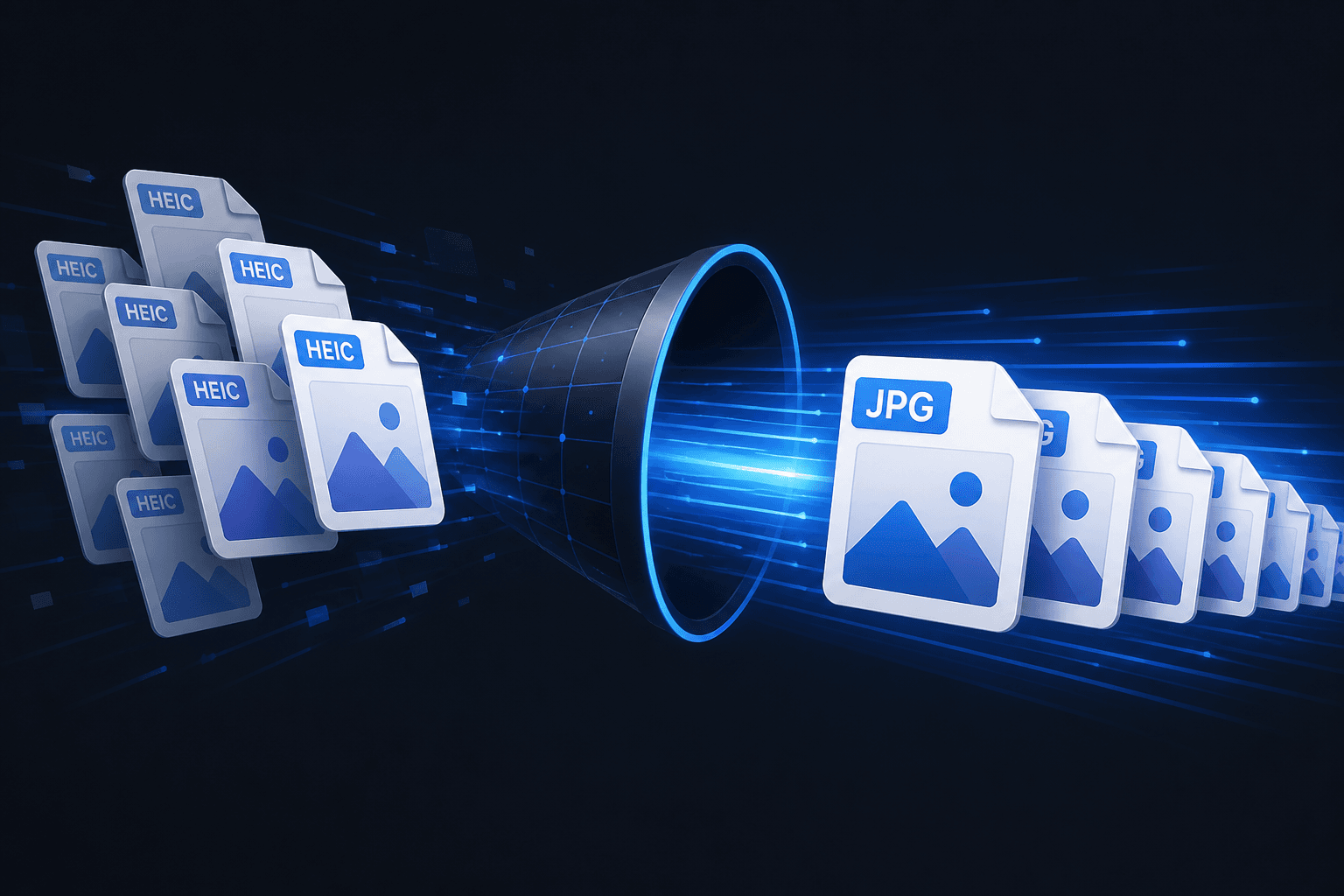
HEIC photo tiles converting quickly into JPG files
How-ToFebruary 12, 2026

The Fastest Way to Convert HEIC to JPG on Windows

Learn how to convert hundreds of HEIC files in seconds using drag-and-drop or the command line.

Read full article
A folder of HEIC photos batch-converting into organized JPG rows on Windows
How-ToJanuary 20, 2026

How to Batch Convert HEIC & HEIF Files to JPG on Windows 11

A step-by-step guide to modernizing your entire photo archive in minutes—privacy, speed, and organization.

Read full article

Ready to convert your HEIC photos?

Free trial converts up to 10 files with full features. Standard is $29.95 one-time — everything stays on your PC.

Download free trial