A Local Alternative to CloudConvert, Convertio, and Zamzar for iPhone HEIC Photos
CloudConvert, Convertio, and Zamzar convert files on their servers. For legacy HEIC files from an iPhone, convert locally with HEIC Converter.
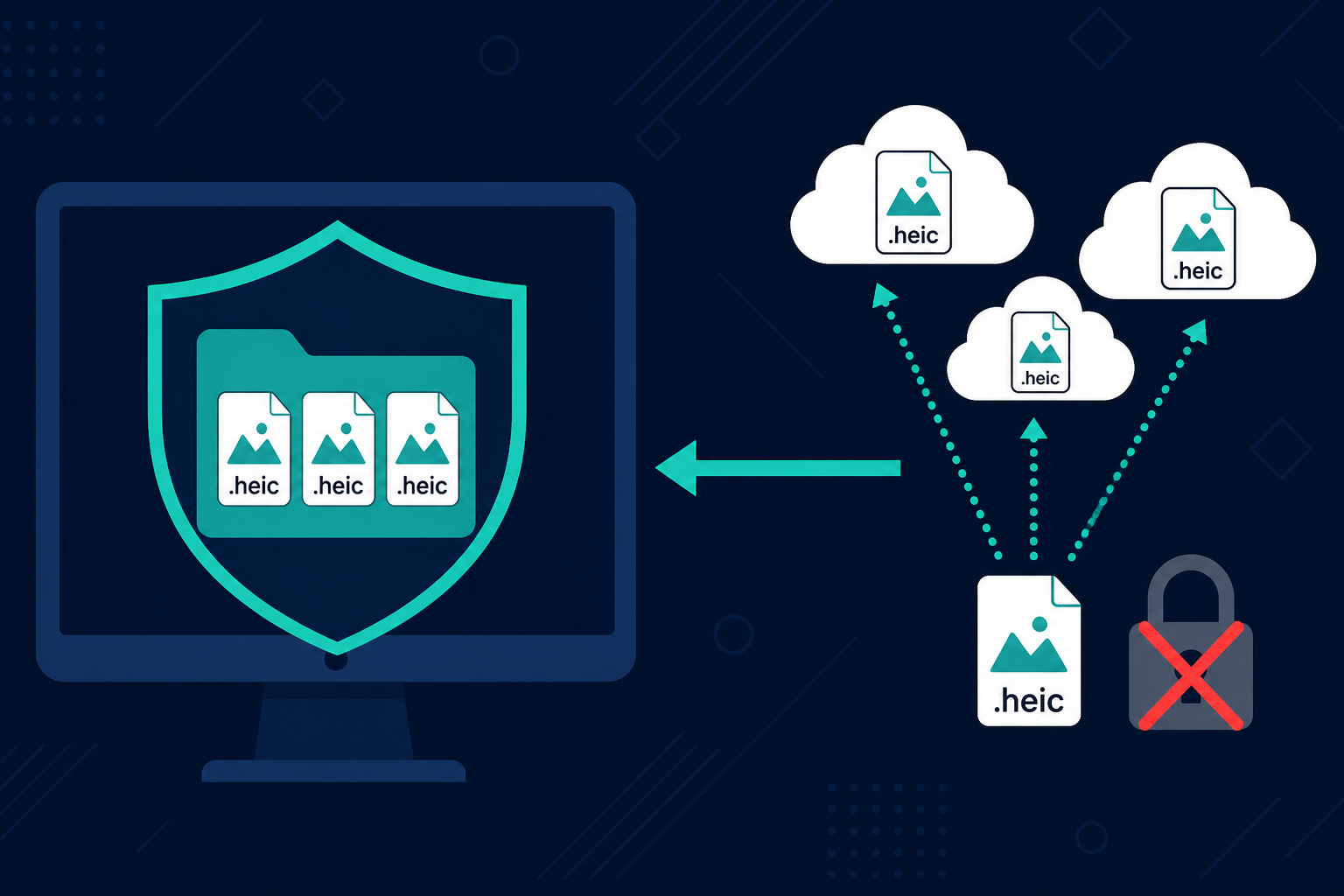
TL;DR
CloudConvert, Convertio, and Zamzar convert HEIC to JPG (and other formats) on their servers — you upload, they process, you download. That works for a handful of files. A folder of legacy HEIC files from an iPhone is often hundreds of family photos. For that job, convert locally with HEIC Converter to JPG or PNG on your Windows PC. Free trial: 10 files. Standard: $29.95 one-time.
The legacy HEIC camera roll problem
You finally copied the iPhone photos to a Windows folder. Explorer shows blank icons. Print labs want JPG. Relatives want files they can open. The folder is not five vacation shots — it is a camera roll of legacy files: birthdays, school events, trips, and everyday family photos. Hundreds of .heic files.
Search results point to cloud converters. CloudConvert, Convertio, and Zamzar are well-known options. They can convert HEIC to JPG. The question is whether uploading that whole roll is the right way to finish the job.
How CloudConvert, Convertio, and Zamzar work
These tools use an upload model. You send the original files to their servers. Conversion runs in their infrastructure. You download the results. That is convenient for one-off documents. It is a different story when the payload is a private photo library.
CloudConvert and the others commonly convert HEIC to JPG (and related formats). This post is not claiming they cannot. It is comparing what that upload-and-wait workflow costs when the folder is large and personal.
Free tiers and paid plans at a glance
Limits and pricing change over time. As of writing, a practical snapshot looks like this:
- CloudConvert: free allowance around 10 conversions per day with a 1 GB size context; converted files are typically deleted after about 24 hours. Heavier use runs on credits rather than a simple advertised dollar price on the free path.
- Convertio: Lite plans are commonly listed around $11.99 monthly or $6.99 per month billed yearly.
- Zamzar: free tier around 2 conversions per 24 hours; paid tiers commonly around $12 / $19 / $39.
For hundreds of legacy HEIC photos, free daily caps turn into multi-day batching. Paid plans buy more throughput — still on someone else's servers.
Why legacy HEIC files are a poor fit for upload converters
- Volume: Hundreds of family photos exceed free daily limits and make browser upload sessions slow and fragile.
- Privacy: GPS, faces, and timestamps leave your PC when you upload. Local conversion never opens that door.
- Retention: Cloud outputs often expire (for example, CloudConvert's roughly 24-hour delete window). You still need a durable local folder of JPGs or PNGs.
- Repeat work: Credits and monthly plans make sense for occasional mixed-format jobs. A one-time camera-roll cleanup is usually a finite Windows batch, not a forever subscription.
Convert legacy HEIC files locally with HEIC Converter
HEIC Converter is a Windows app that converts HEIC and HEIF to JPG, PNG, WebP, or PDF on your machine. Drag in the folder, choose JPG for sharing or PNG when you want lossless masters, and convert. No uploads. No daily file caps on Standard. Nothing is sent to CloudConvert, Convertio, Zamzar, or any other converter.
- Install the free trial (up to 10 files with full features).
- Drop in the folder of legacy .heic / .heif files.
- Pick JPG or PNG (or both in one run if you need dual outputs).
- Convert locally. Open the results in Explorer, email, or print workflows.
After the batch, if you want to search and map geotagged outputs on this PC, see Conversion Library Plus — including Photo Map — still without uploading your photos.
When a cloud converter is fine
If you need to convert two non-sensitive files on a machine where you cannot install software, CloudConvert, Convertio, or Zamzar can be enough. For a legacy HEIC folder full of family memories, a local converter is the simpler, safer default.
Related reading
Ready to convert legacy HEIC files without CloudConvert?
Download the free trial and convert to JPG or PNG locally — or buy Standard for $29.95 one-time.